Klever 5 DEV
Fasteners
Attention
Use fasteners only as specified in this assembly guide. Using incorrect sizes for screws, nuts, or standoffs may cause damage to components or the structural integrity of the quadcopter.
Cell 1 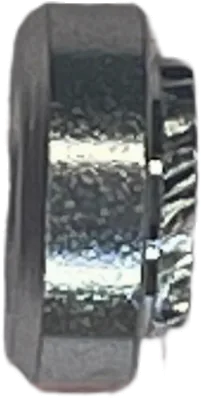
Press-fit Nut M3 |
Cell 2 
Nylon Lock Nut M3 |
Cell 3 
Nylon Standoff M2.5 |
Cell 4
Nylon Lock Nut M2.5 |
Cell 5
Nylon Lock Nut M2 |
Cell 6 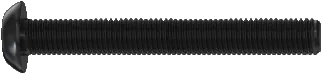
Screw M3x40 |
Cell 7 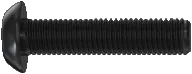
Screw M3x12 |
Cell 8 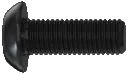
Screw M3x8 |
Cell 9 
Screw M3x6 |
Cell 10 
Screw M3x4 |
Cell 11 
Aluminum Standoff M3x40 |
Cell 12 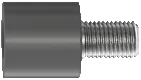
Anti-vibration Standoff M3 |
Cell 13 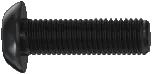
Screw M3x10 |
Cell 14 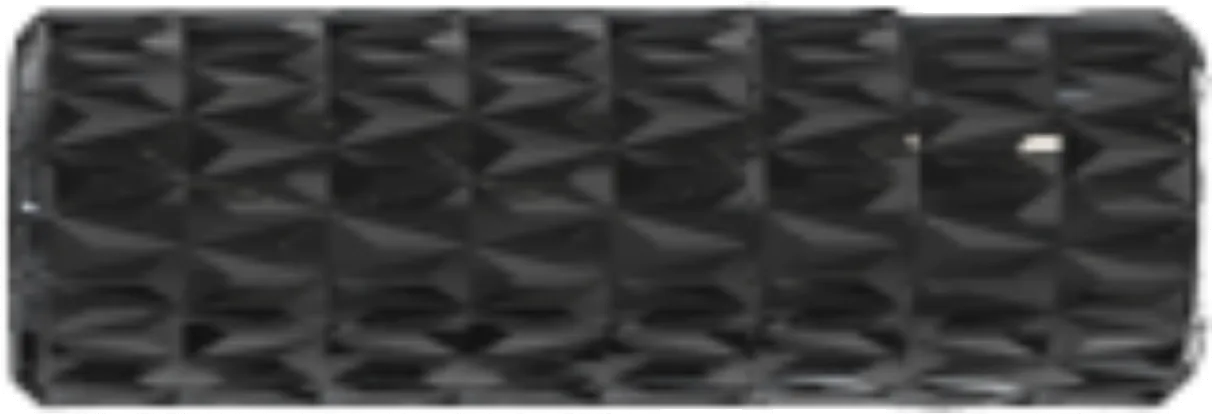
Aluminum Standoff M3x10 |
Cell 15
Aluminum Standoff M3x30 |
Cell 16 
Screw M2x6 |
Cell 17 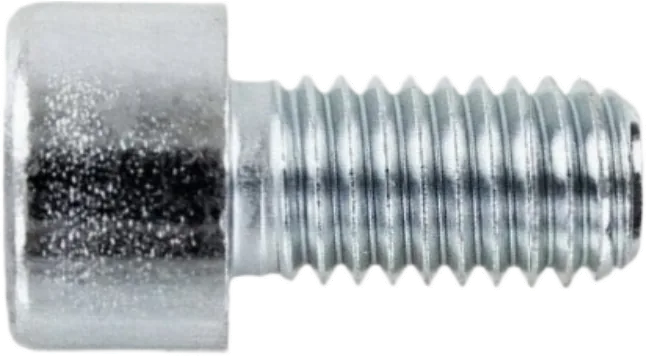
Screw M2.5x4 |
Cell 18
Screw M2.5x6 |
Cell 19 
Self-tapping Screw M1.4x4 |
Cell 20
Screw M2x3 |
Cell 21 
Nylon Standoff M3x30 |
Cell 22 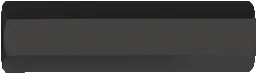
Nylon Standoff M3x20 |
Cell 23 
Nylon Standoff M3x40 |
Cell 24 
Self-tapping Screw M1.4x10 |
Cell 25 
Screw M2.5x25 |
Wiring Diagram
Tip
Refer to this wiring diagram to ensure all electronic components are connected correctly.

Frame Assembly
Position the four arms between the upper and lower frame plates.

Installing the arms
Insert M3x12 screws (Cell 7) into the outer holes of the arms. Insert M3x40 screws (Cell 6) into the central holes of the lower frame plate.

Assembling the frame
Insert M3 press-fit nuts (Cell 1) into the designated holes on the lower frame plate. Tighten the screws installed in the previous step until the frame plates and arms are securely fastened.

Press-fitting
Motor and ESC Installation
Place the motors into the designated holes on the arms and secure them using M3x8 screw (Cell 8).

Installing the motor
Caution
Ensure the screws do not protrude into the motor winding area. Too long screws can damage the windings and cause a short circuit.
Install wire protectors on the arms.

Installing wire protectors
Caution
Before soldering, make sure the battery is disconnected.
Attention
Read the safety guidelines before soldering.
Solder power wires and a capacitor to the top of ESC contact pads. Secure the wires with a protective cap. Solder an XT60 connector. Solder an XT30 connector to the bottom of the ESC contact pads.

Soldering power wires

Install the ESC. Solder the motor wires to the ESC as shown in the image below.

Installing the standoffs
Aluminum Standoffs Installation


Flight Controller Installation
Screw M3 nylon nuts (Cell 2) onto the installed M3x40 screws (Cell 6). Install the flight controller, ensuring the arrow is facing forward. Fasten the flight controller in place using the M3 nylon lock nuts (Cell 2).

Installing the flight controller
Connect the 8-pin ribbon cable between the flight controller and the ESC (see wiring diagram).

ESC to Flight controller connection

FC and ESC assembled
Raspberry Pi 5 Installation
Mount M2.5x6 nylon standoffs (Cell 3) to the plastic mounting plate using M2.5x4 screws (Cell 17).

Installing the standoffs
Tighten the screws using an H1.5/HEX1.5 bit.
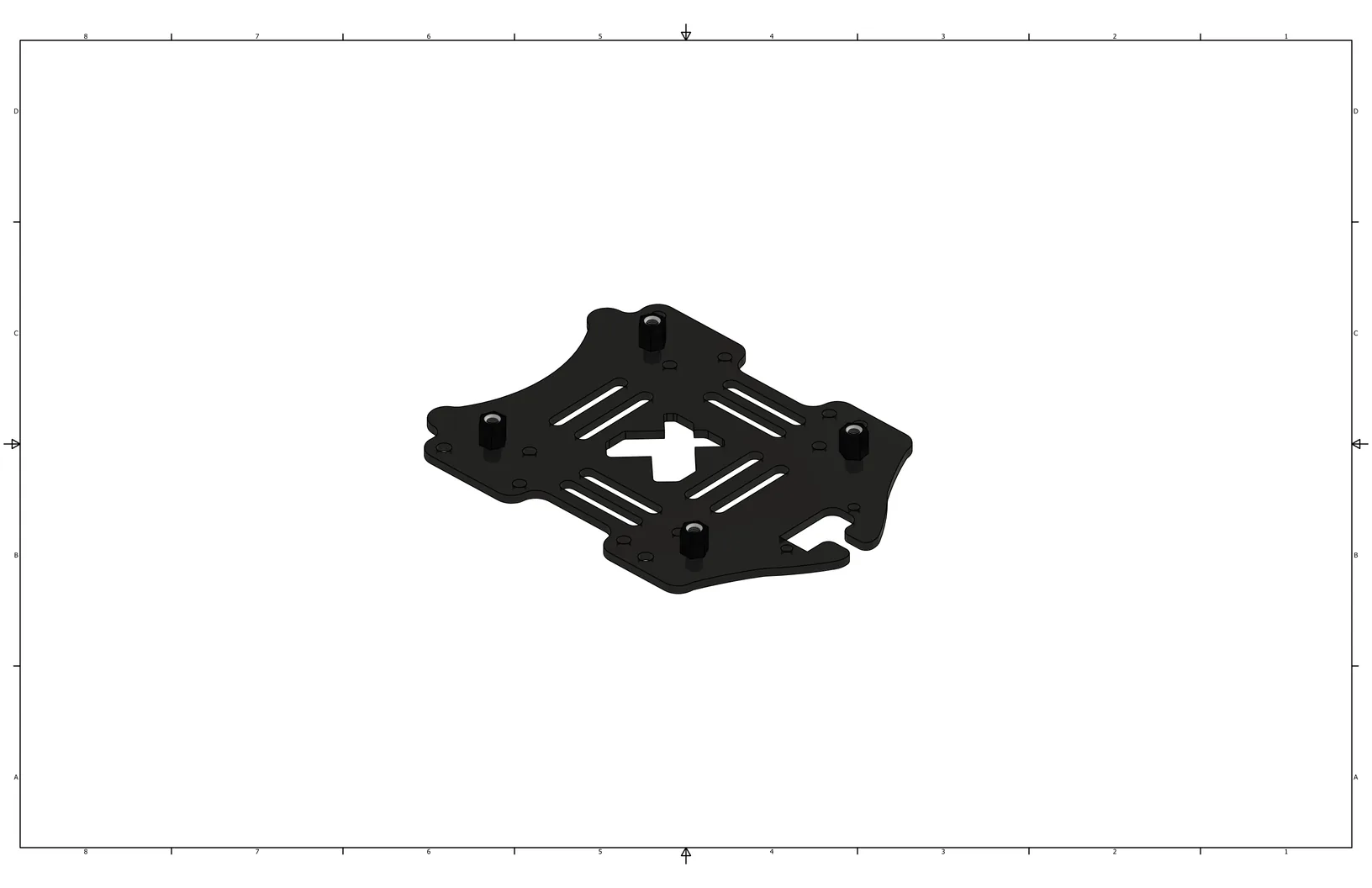
Prepared mounting plate
Place the Raspberry Pi 5 onto the installed M2.5x6 standoffs.

Installing the Raspberry Pi 5
Secure the Raspberry Pi 5 with M2.5x4 screws (Cell 17).

Assembled Raspberry Pi 5 mounting plate
Remove protective films from both sides of the thermal pads. Apply the thermal pads to the positions highlighted by the red frames in the image. Install the cooling heatsink by inserting retaining clips through the heatsink into the designated holes on the Raspberry Pi 5. Connect the cooling system to the designated connector located under the protective cover.

Installing the cooler

Assembled Raspberry Pi 5
Mount M3x30 nylon standoffs (Cell 21) to the plate with the Raspberry Pi 5 using M3x8 screws (Cell 8).

Installing the standoffs

Assembled Raspberry Pi 5 mounting plate
Install the assembled Raspberry Pi 5 mounting plate onto the frame’s anti-vibration standoffs. Secure the plate using M3x4 screws (Cell 10).

Installing the Raspberry Pi 5 mounting plate
Connect the telemetry ribbon cable to the Raspberry Pi 5. Connect to the outer row of the header, starting from pin 8 (GPIO 14). Ensure the black wire is connected to pin 14 (Ground) (see wiring diagram). Connect the mating end of the ribbon cable to the UART4 port of the flight controller with the black wire in the far right corner.

Raspberry Pi 5 to flight controller connection
Camera, Rangefinder, and Screen Installation
Install the camera on the small mounting plate. Secure it using M1.4x4 self-tapping screws (Cell 19) in the designated holes. Use a PH1 bit.

Installing the camera
Install M3x20 nylon standoffs (Cell 22) onto the small mounting plate and secure them with M3x6 screws (Cell 9).

Installing the standoffs
Install the small mounting plate (with the camera attached) onto the gripper plate using M3x6 screws (Cell 9).

Installing to the gripper plate
Install the laser rangefinder onto the gripper plate using M2x6 screws (Cell 16) and M2 nylon lock nuts (Cell 5).

Installing the rangefinder
Connect the laser rangefinder ribbon cable (see wiring diagram).

Connecting the rangefinder
Secure the gripper plate to the quadcopter frame using M3x8 screws (Cell 8). Connect the camera ribbon cable to the computer, following the wiring diagram.

Securing the gripper plate
Connect the rangefinder ribbon cable to the UART1 port on the flight controller. Ensure the black wire is inserted into the far-left pin. Route the cable through the opening in the flight controller housing (see wiring diagram).

Connecting the rangefinder
Install the screen onto the flight controller housing using M2.5x6 screws (Cell 18) and M2.5 nylon lock nuts (Cell 4).

Installing the screen
Solder a Dupont connector to the one UBEC and a JST connector to the other UBEC. On the other side, connect the wires and solder on an XT30 connector. Connect the UBECs using double-sided adhesive tape.

Preparing the UBECs
Install the UBEC onto the Raspberry Pi 5 plate using double-sided adhesive tape. Connect the UBEC to the ESC via the XT30 connector. Connect the first UBEC wire to the Raspberry Pi 5 at pin 4 (5V power) and pin 6 (Ground) (see wiring diagram).

Installing the UBECs
Connect the receiver to the SBUS/CRSF port (UART 6) of the flight controller (black wire in the far left pin) (see wiring diagram).

Connecting the receiver
Install the flight controller housing onto the aluminum standoffs. Secure the receiver in the designated holes using nylon cable ties. Route all wires through the wire cutout. Connect the screen to the Raspberry Pi 5 by connecting the red wire to pin 1 (3V3) and the black wire to pin 9 (Ground) (see wiring diagram).

Installing the FC housing
Guards, Legs, and LED Strip Installation
Thread the battery strap through the designated holes of the carbon mounting plate. Install the plate to the aluminum standoffs using M3x8 screws (Cell 8).

Installing the mounting plate
Arrange guard crossbars into a square shape. Place lower prop guards onto the corners. Secure these components using M3x10 screws (Cell 13) on the top and M3x40 nylon standoffs (Cell 23) on the bottom.

Securing lower guards
Secure the upper prop guards and crossbars with M3x10 screws (Cell 13).
Tip
Arrange the elements so that the crossbars point inward and the arcs point outward.

Securing upper guards
Install M3 press-fit nuts (Cell 1) into the designated holes at the edges of the arms.

Press-fitting
Install the assembled guard to the underside of the frame and secure it with M3x10 screws (Cell 13).

Installing the guard
On one side of a large landing gear, insert M3x6 screws (Cell 9) into the designated holes. On the opposite side, install M3x10 aluminum standoffs (Cell 14). Cover the standoff with the anti-slip spacer. Repeat this process for all landing gears.

Assembling the landing gear
Attach the landing gear to the arm and secure it with M3x6 screws (Cell 9). Do the same for the other landing gears.

Installing the landing gears
Stick the LED strip to the plastic LED ring. Snap the ring into the designated hooks on the landing gears and secure the wires with a nylon cable tie. Connect the LED strip power to the second UBEC. Connect the signal wire to pin 21 (GPIO 9) (see wiring diagram).

Installing the LED strip
Install the propellers according to the rotation directions indicated in the image.

Installing the props
Before your first power-up, check the following:
All components are securely fastened.
All electrical connectors are correctly connected.
No wires are damaged and no connectors are loose.
The battery has no signs of swelling, overheating, or physical damage.
The propellers have sufficient clearance and do not contact the guard, wires, or any other quadcopter elements.
Caution
Do not power on the quadcopter until all detected faults have been fully resolved.